In today’s fast-paced digital landscape, freelancers are constantly seeking ways to enhance their productivity and efficiency. With the rise of artificial intelligence (AI), there are now numerous tools available that can help freelancers streamline their work processes. This article will explore how you can leverage AI to speed up your freelancing tasks, allowing you to focus on what truly matters – delivering quality work to your clients.
Understanding AI in Freelancing
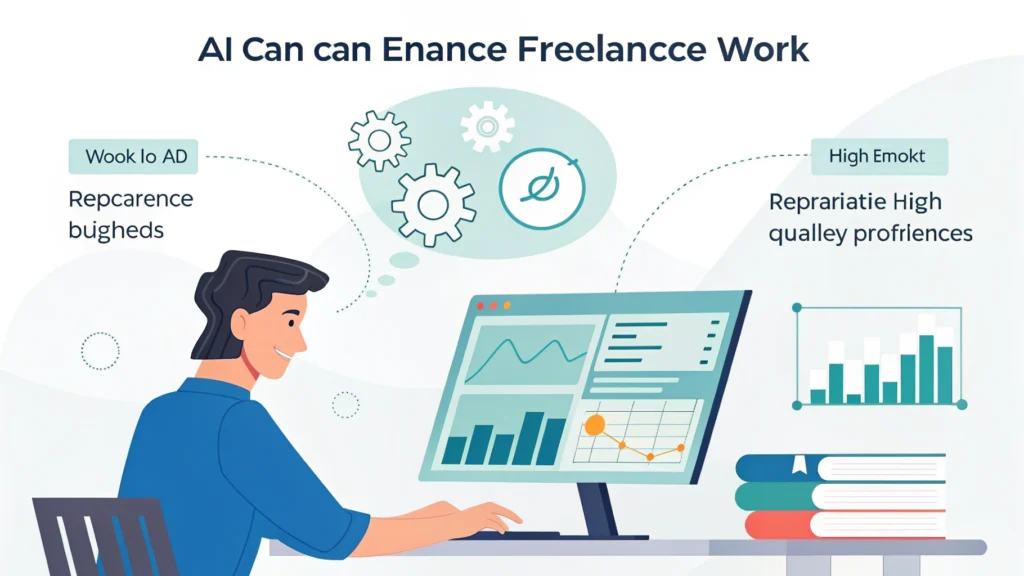
AI refers to the simulation of human intelligence in machines that are programmed to think and learn. In the freelancing world, AI can take on repetitive tasks, analyze data, and even assist in decision-making. By integrating AI into your workflow, you can save time and increase your overall productivity.
Benefits of Using AI in Freelancing
- Time Efficiency: Automating mundane tasks allows you to allocate more time to creative and strategic activities.
- Improved Accuracy: AI tools can minimize human error, ensuring that your work is precise and reliable.
- Enhanced Creativity: With AI handling routine tasks, you can focus on brainstorming and innovating.
AI Tools for Freelancers
There are countless AI tools available that cater to various freelancing needs. Here are some popular categories and examples:
Content Creation
AI writing assistants can help you generate ideas, create content drafts, and even edit your work. Tools like Grammarly and Jasper can enhance your writing process, making it faster and more efficient.
Project Management
AI-driven project management tools like Trello and Asana can help you track deadlines, set reminders, and manage tasks. These tools can analyze your workflow and suggest improvements.
Data Analysis
If your freelancing work involves data, AI tools can analyze large datasets quickly. Platforms like Tableau and Google Analytics use AI to provide insights that can inform your decisions.
How to Integrate AI into Your Freelancing Workflow
Integrating AI into your freelancing work doesn’t have to be complicated. Here are some steps to get started:
- Identify Repetitive Tasks: Look for tasks that consume a lot of your time, such as data entry or scheduling.
- Choose the Right Tools: Research and select AI tools that match your needs. For example, if you write content, consider using Jasper for assistance.
- Test and Adjust: Start with one or two tools, evaluate their effectiveness, and adjust your approach as needed.
Real-Life Examples of AI in Freelancing
Many freelancers have successfully integrated AI into their work. For instance, graphic designers use AI tools like Canva to automate design processes, while marketers leverage AI for targeted advertising campaigns. By doing so, they not only save time but also enhance the quality of their output.
Future of AI in Freelancing
As AI technology continues to evolve, its capabilities will only expand. Freelancers who embrace these advancements will likely find themselves at a competitive advantage. From automating client interactions to enhancing creative processes, the possibilities are endless.
Getting Started with AI
If you’re curious about how to build an AI side hustle without coding, check out this How to build an AI side hustle without coding. Additionally, you can explore 5 AI tools that can earn you passive income to diversify your income streams.
Related Articles
- How to create and sell AI chatbots for small businesses
- How to build an AI side hustle without coding
Frequently Asked Questions
What are the best AI tools for freelancers?
Some of the best AI tools for freelancers include Grammarly for writing assistance, Trello for project management, and Tableau for data analysis.
Can AI really improve my productivity?
Yes, AI can automate repetitive tasks, allowing you to focus on more important work, thus improving overall productivity.
Is it difficult to integrate AI into my workflow?
Integrating AI can be straightforward. Start by identifying tasks to automate and choose suitable tools to help streamline your processes.