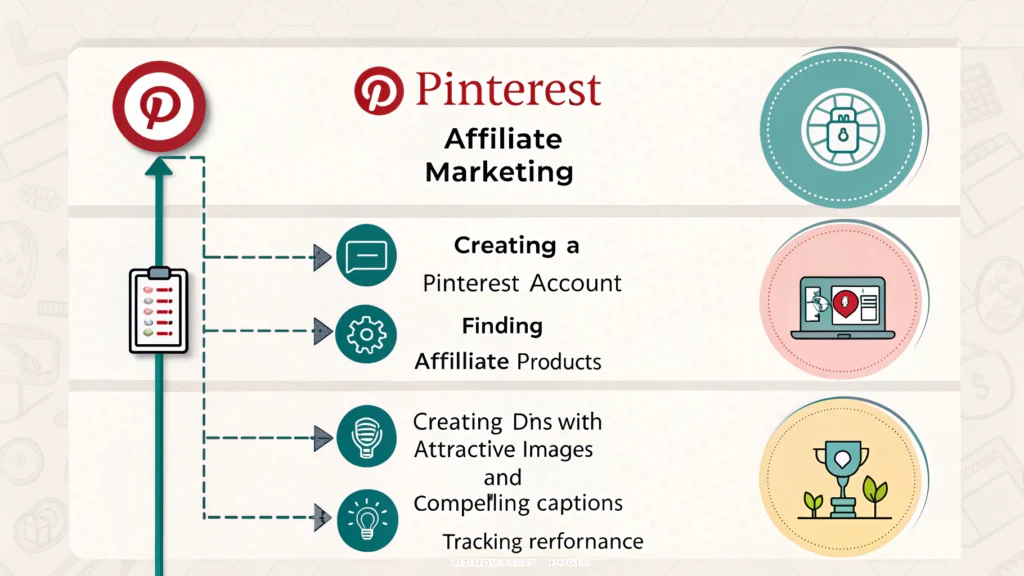
Pinterest is more than just a platform for sharing beautiful images; it’s a powerful tool for affiliate marketing. With millions of users searching for inspiration, it offers a unique opportunity to promote products and earn commissions. In this guide, we’ll explore how to harness Pinterest for affiliate marketing success.
Understanding Pinterest for Affiliate Marketing
Pinterest functions as a visual search engine, where users discover ideas and products through images. When you create engaging pins, you can drive traffic to your affiliate links. The key is to understand how Pinterest works and how to optimize your content.
Why Use Pinterest for Affiliate Marketing?
- Visual Appeal: Pinterest is a highly visual platform, making it perfect for showcasing products.
- Targeted Audience: Users on Pinterest are often in a buying mindset, looking for ideas and products.
- Longevity of Content: Pins can continue to drive traffic long after they are posted, unlike other social media where content has a shorter lifespan.
Setting Up Your Pinterest Account
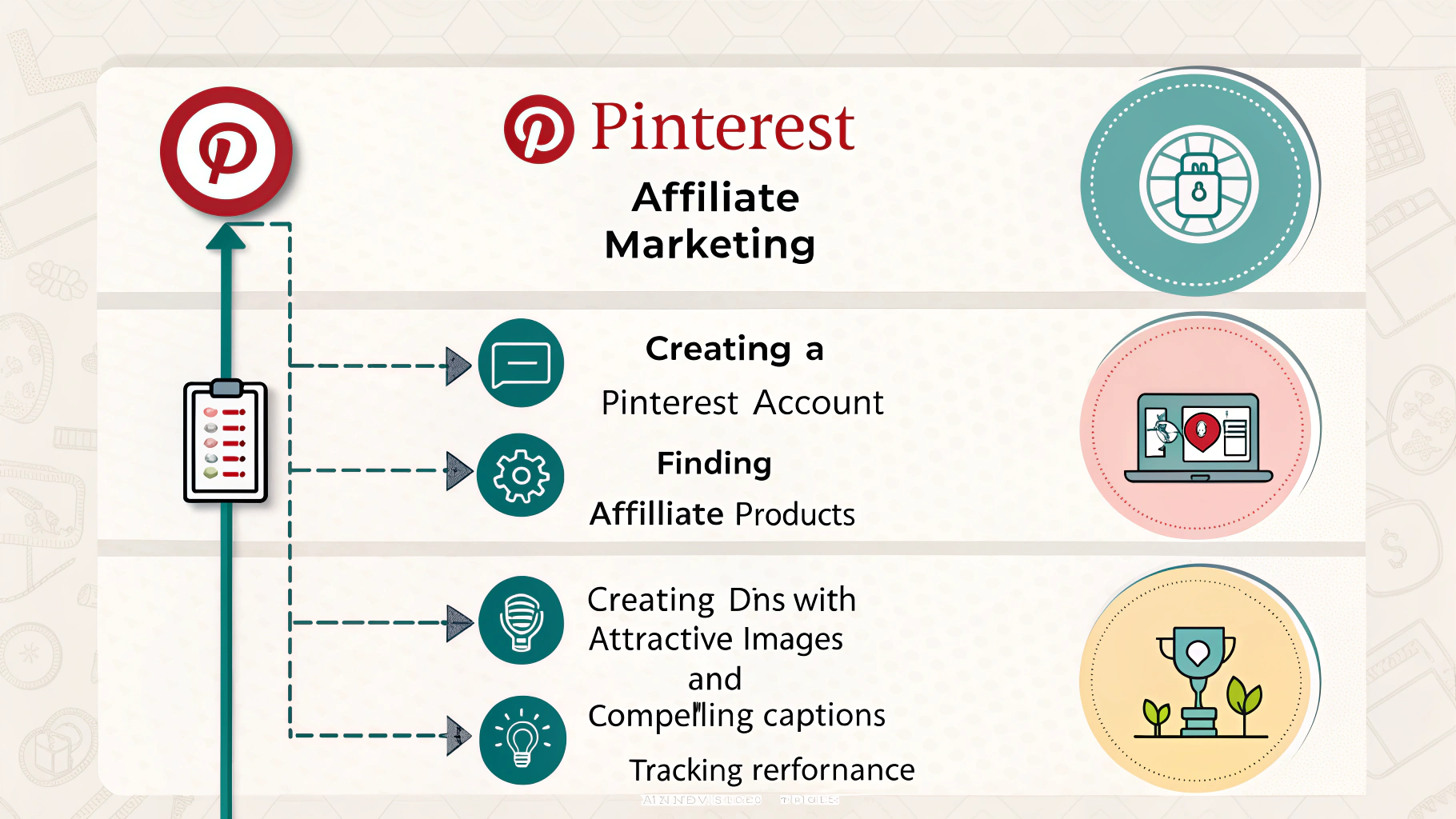
To start using Pinterest for affiliate marketing, you need a business account. Here’s how to set it up:
- Create a Business Account: Go to Pinterest for business and sign up.
- Complete Your Profile: Use a professional profile picture, add a compelling bio, and include your website link.
- Enable Rich Pins: Rich Pins provide more context about an idea because they include extra information directly on the Pin.
Creating Compelling Pins
Your pins need to stand out. Here are some tips for creating eye-catching pins:
- Use High-Quality Images: Invest in good photography or graphic design.
- Vertical Format: Vertical pins (2:3 ratio) perform better on Pinterest.
- Include Text Overlays: Adding text can clarify the pin’s purpose and attract clicks.
Writing Effective Pin Descriptions
Your pin description is crucial for SEO and engagement. Include relevant keywords naturally and provide a clear call to action. For example, “Check out this amazing product that can help you…”
Optimizing Your Pins for Search
To get your pins seen by more users, you need to optimize them for search:
- Keyword Research: Use Pinterest’s search bar to find popular keywords related to your niche.
- Use Hashtags: Include relevant hashtags in your pin descriptions to increase discoverability.
- Join Group Boards: Collaborate with other pinners in your niche to reach a broader audience.
Driving Traffic to Your Affiliate Links
Once your pins are optimized, it’s time to drive traffic to your affiliate links:
- Link Directly to Products: Ensure your pins link directly to the product page or your blog post containing the affiliate link.
- Create Blog Content: Write blog posts that feature your affiliate products, and then create pins that link to those posts. This strategy can enhance your credibility.
- Utilize Pinterest Ads: Consider using Pinterest Ads to promote your pins for broader reach.
Tracking Your Performance
To maximize your affiliate marketing success on Pinterest, you must track your performance:
- Use Pinterest Analytics: Monitor which pins are performing well and adjust your strategy accordingly.
- Track Conversions: Use tools to track clicks and conversions from your affiliate links. For more on this, check out How to track and optimize affiliate conversions.
Related Articles
- Best free WordPress themes for affiliate marketing
- How to build backlinks for a new affiliate website
Frequently Asked Questions
Can I use Pinterest for affiliate links?
Yes, you can use Pinterest to promote affiliate links as long as you follow their guidelines.
How do I create a successful pin?
Focus on high-quality images, engaging text overlays, and effective descriptions with keywords.
What are Rich Pins?
Rich Pins are a type of Pin that automatically syncs information from your website, providing more context about the content.