In the age of digital content creation, YouTube has emerged as a powerful platform for sharing ideas, entertainment, and information. However, many aspiring creators shy away from making videos due to privacy concerns or discomfort with being on camera. The good news is that with advancements in artificial intelligence (AI), it is now easier than ever to create faceless YouTube videos. This guide will explore how you can leverage AI tools to produce engaging content while keeping your identity private.
Understanding Faceless YouTube Videos
Faceless YouTube videos are those where the creator does not appear on camera. Instead, these videos often rely on voiceovers, animations, or stock footage to convey messages. This format is becoming increasingly popular, as it allows creators to maintain anonymity while still producing high-quality content.
Benefits of Faceless Videos
- Privacy: You can share your thoughts and ideas without revealing your identity.
- Focus on Content: Viewers concentrate on the message rather than the presenter.
- Versatility: You can create various types of content, from educational to entertaining.
Choosing the Right AI Tools
To create faceless videos, you need the right tools. Here are some AI solutions that can help:
AI Voice Generators
Voiceovers are essential for faceless videos. AI voice generators can create realistic voiceovers from text. Tools like Descript and Synthesia allow you to produce high-quality audio without needing a professional recording setup.
Video Editing Software
Editing is crucial for creating polished videos. AI-powered editing tools like Adobe Premiere Pro and Animoto can help streamline the editing process, offering features like automatic scene detection and smart cropping.
Stock Footage and Animation
Incorporating stock footage or animations can enhance your videos significantly. Websites like Pexels and Shutterstock provide a plethora of stock videos, while platforms like Animaker allow you to create animations easily.
Steps to Create Your Faceless YouTube Video
Now that you have the tools, here’s a step-by-step process to create your faceless YouTube video:
1. Choose Your Topic
Select a topic that interests you and has an audience. Research trending topics or consider niches where you can provide unique insights.
2. Write a Script
Draft a script that outlines your video content. A well-structured script is vital for clarity and flow.
3. Generate Voiceover
Use an AI voice generator to create the voiceover from your script. Ensure the tone matches the content style.
4. Gather Visuals
Collect stock footage or create animations that align with your script. Make sure the visuals enhance the narrative.
5. Edit Your Video
Combine the voiceover and visuals using video editing software. Add background music and sound effects to make it more engaging.
6. Optimize for YouTube
Before uploading, optimize your video with relevant keywords, a catchy title, and an engaging thumbnail. Consider this step-by-step guide to become a YouTube content creator for more tips.
Promoting Your Faceless Videos
Once your video is uploaded, promoting it is crucial to gain traction. Share your video on social media platforms, engage with communities related to your topic, and consider collaborating with other creators.
Monetizing Your Content
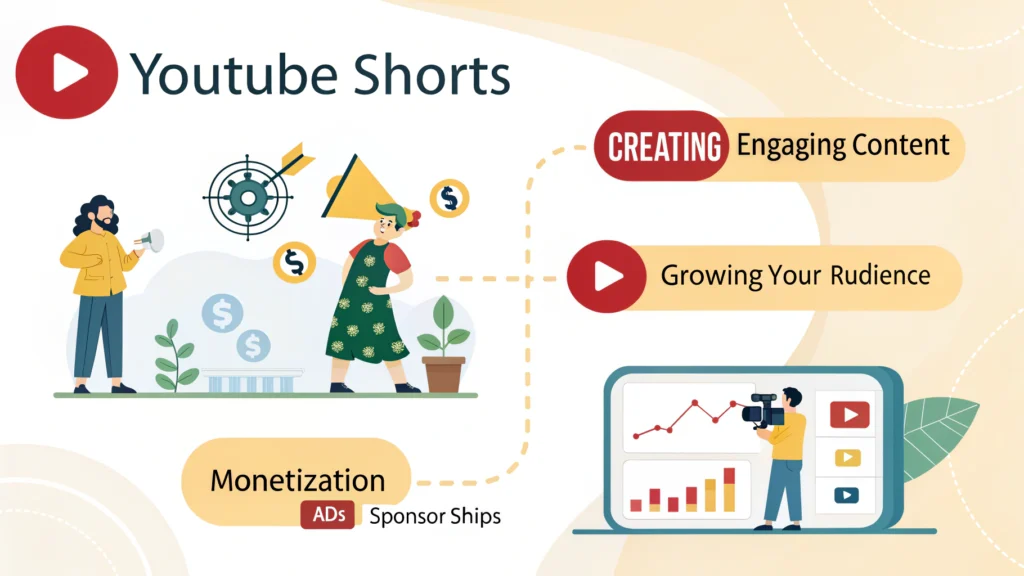
Faceless videos can also be monetized. You can earn through ad revenue, sponsorships, or affiliate marketing. If you’re interested in short-form content, check out how to earn from short-form content (YouTube Shorts, Reels).
Related Articles
Frequently Asked Questions
Can I create faceless YouTube videos without any experience?
Yes, with the right tools and a clear plan, anyone can create faceless YouTube videos.
What type of content works best for faceless videos?
Educational content, tutorials, and storytelling often work well for faceless videos.
Are AI voice generators reliable?
Yes, many AI voice generators produce high-quality, natural-sounding voices.